Expenses
Keep track of
shared expenses.
Add the cost, attach a receipt, and show how it is split. Both parents can review the details and see what is still owed.
Get launch updates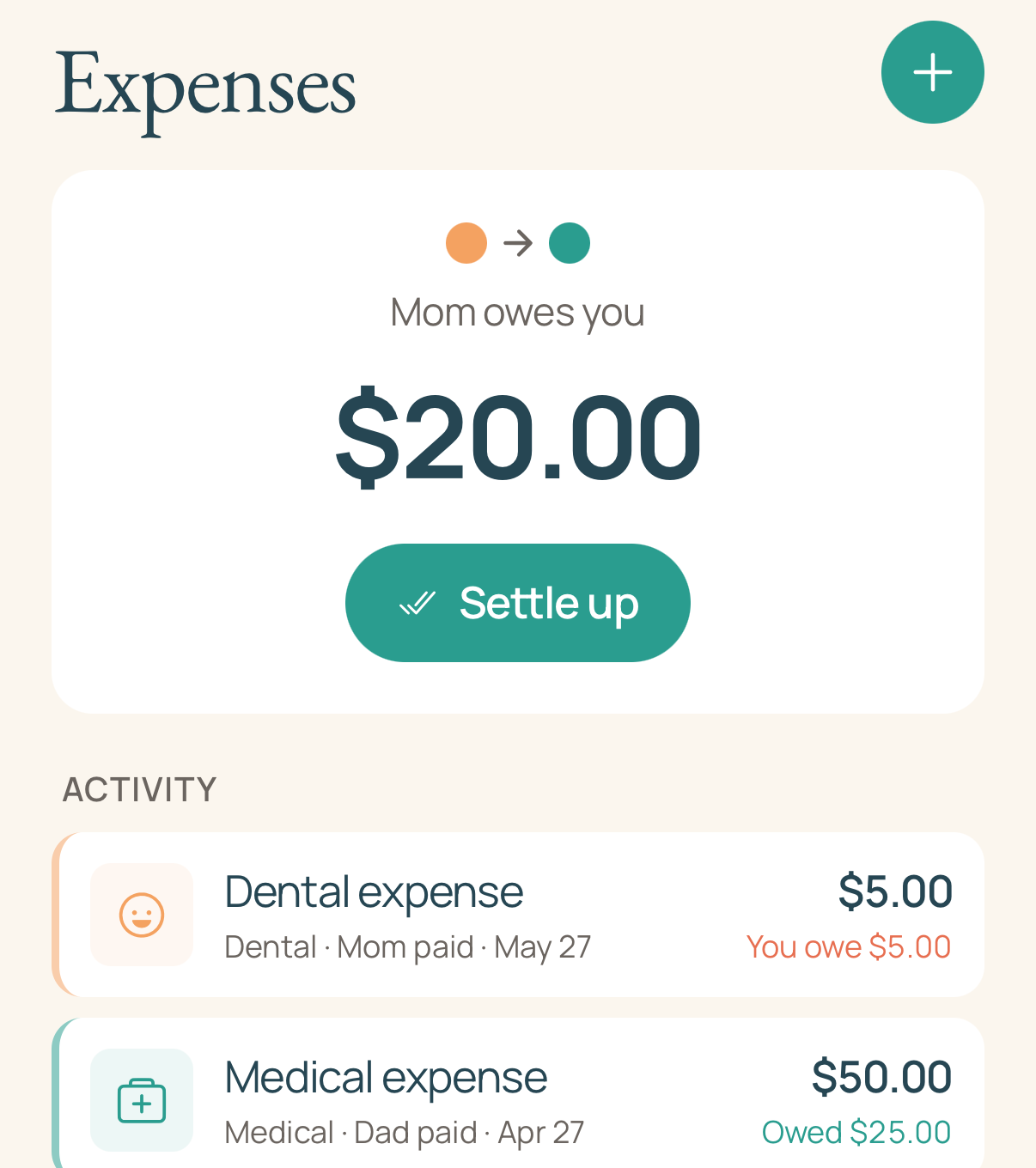
Keep the details with the expense
School supplies, a dental visit, a new pair of shoes: record the amount and category, add a description, and attach a receipt photo when you have one. The details stay with the expense so you can find them again.
Choose the split that fits
Split an expense equally, by percentage, by a fixed amount, or assign it to one parent. Premium expense rules can apply your usual split for a category, so you do not need to enter it each time.
Review a request together
The other parent can accept the expense, suggest a different split, or ask to discuss it. You can see the request and its responses together instead of trying to match them to a separate conversation.
See the balance and record a repayment
The Expenses tab shows the running balance between parents. After paying outside CoFam, record the repayment in the app. CoFam does not move money or verify a bank transfer.
Basic lets you settle one expense at a time. Premium lets you combine open expenses into a single settlement.
Try the free expense worksheet
Work through a set of shared costs now. Add each parent’s payments, choose the split, and subtract repayments. The free worksheet gives you a balance to review, with a printable copy and CSV download. No app account needed.
One family plan covers both parents
One parent subscribes, and the invited co-parent uses the family’s plan without a separate subscription. See Basic and Premium pricing for the features included in each plan.
Preparing for launch on iPhone and iPad.